
How to Categorize
Have you ever thought, "I did not spend that much. Where did the money go?"
Auto reports usually answer with broad buckets: some money went to "Food", some to "Daily Goods", and some to a mysterious "Other"...
Broad categories only merge similar items. They do not capture intent, so they cannot help you see your spending patterns.
HeyCost encourages you to classify by spending intent. Take "eating" as an example:
If you classify broadly, all meals become "Food". But when you think in terms of intent, you will realize that eating hides many different purposes.
Categories that matter to your life
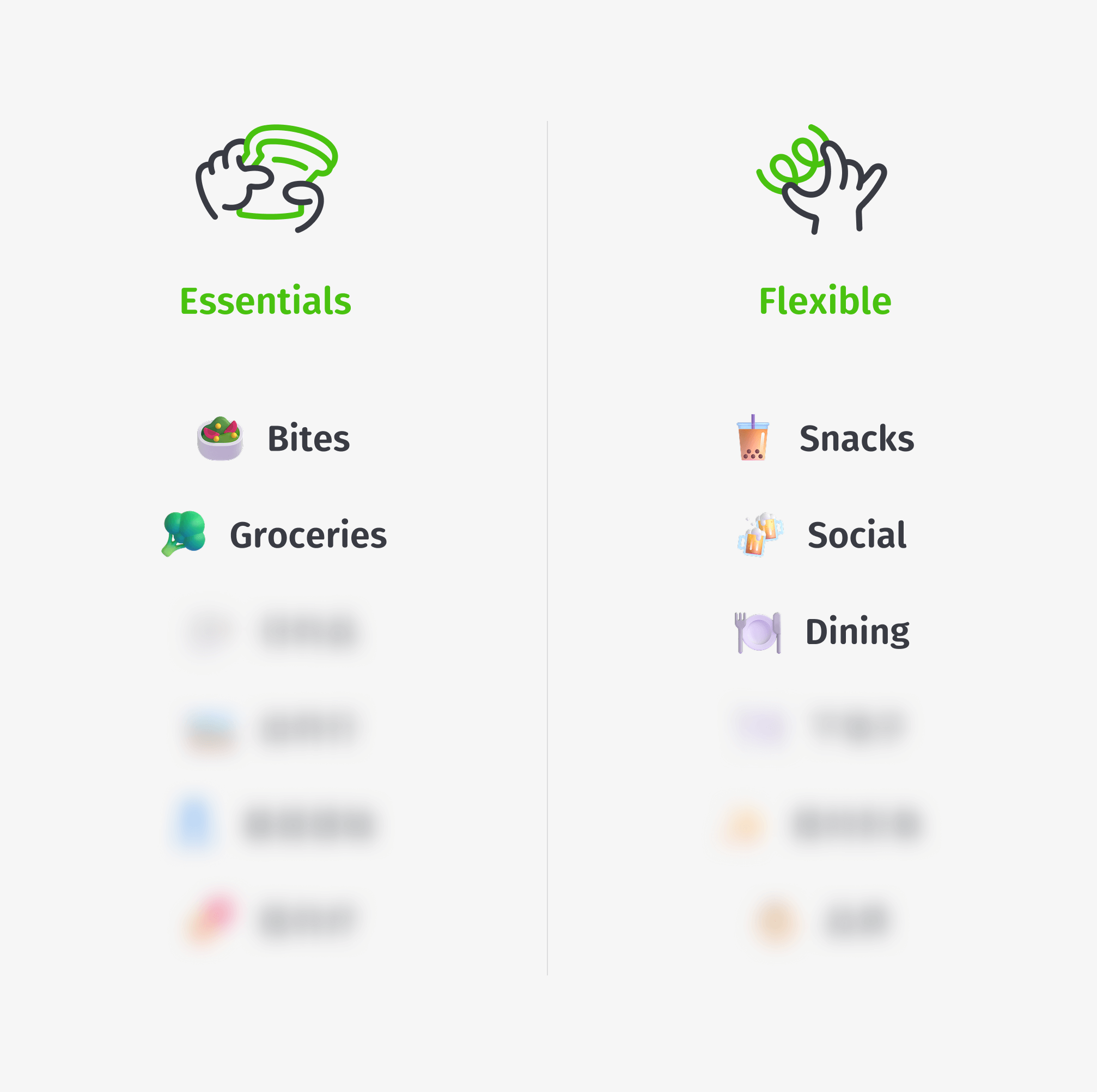
At the beginning, HeyCost recommends four base categories: Fixed Expenses, Essentials, Flexible Spending, Personal Growth. These help you organize intent and build the habit.
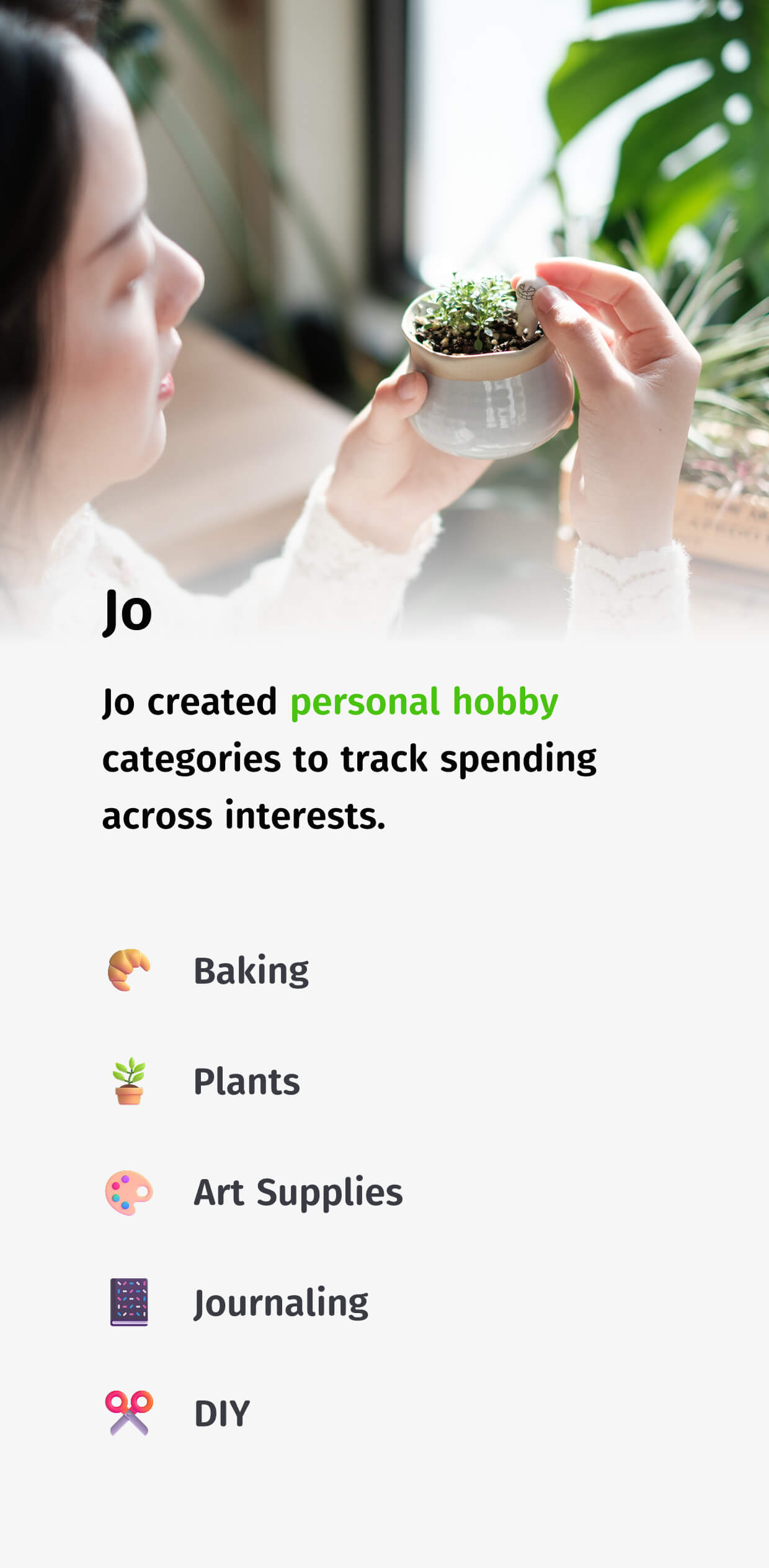
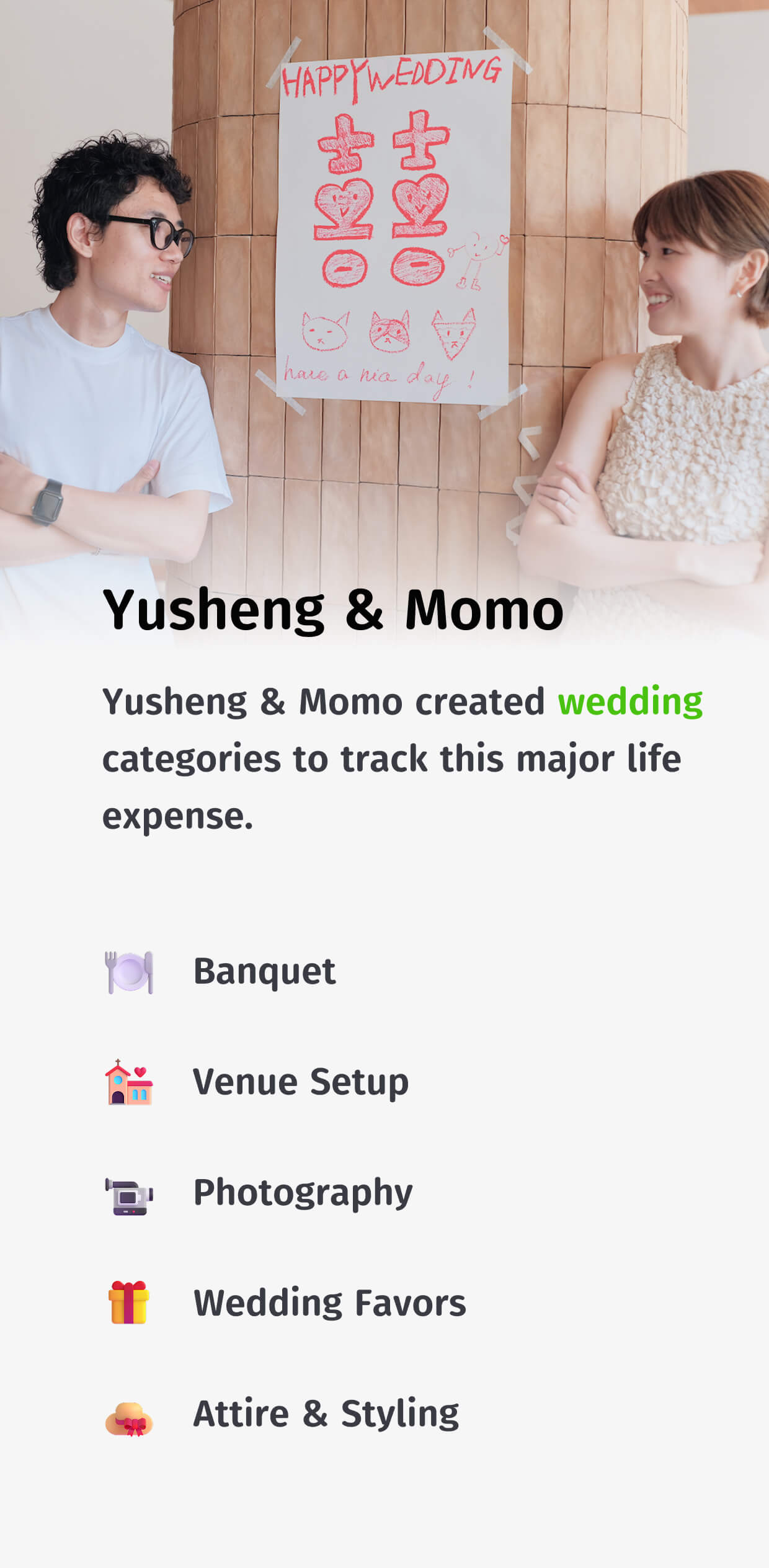
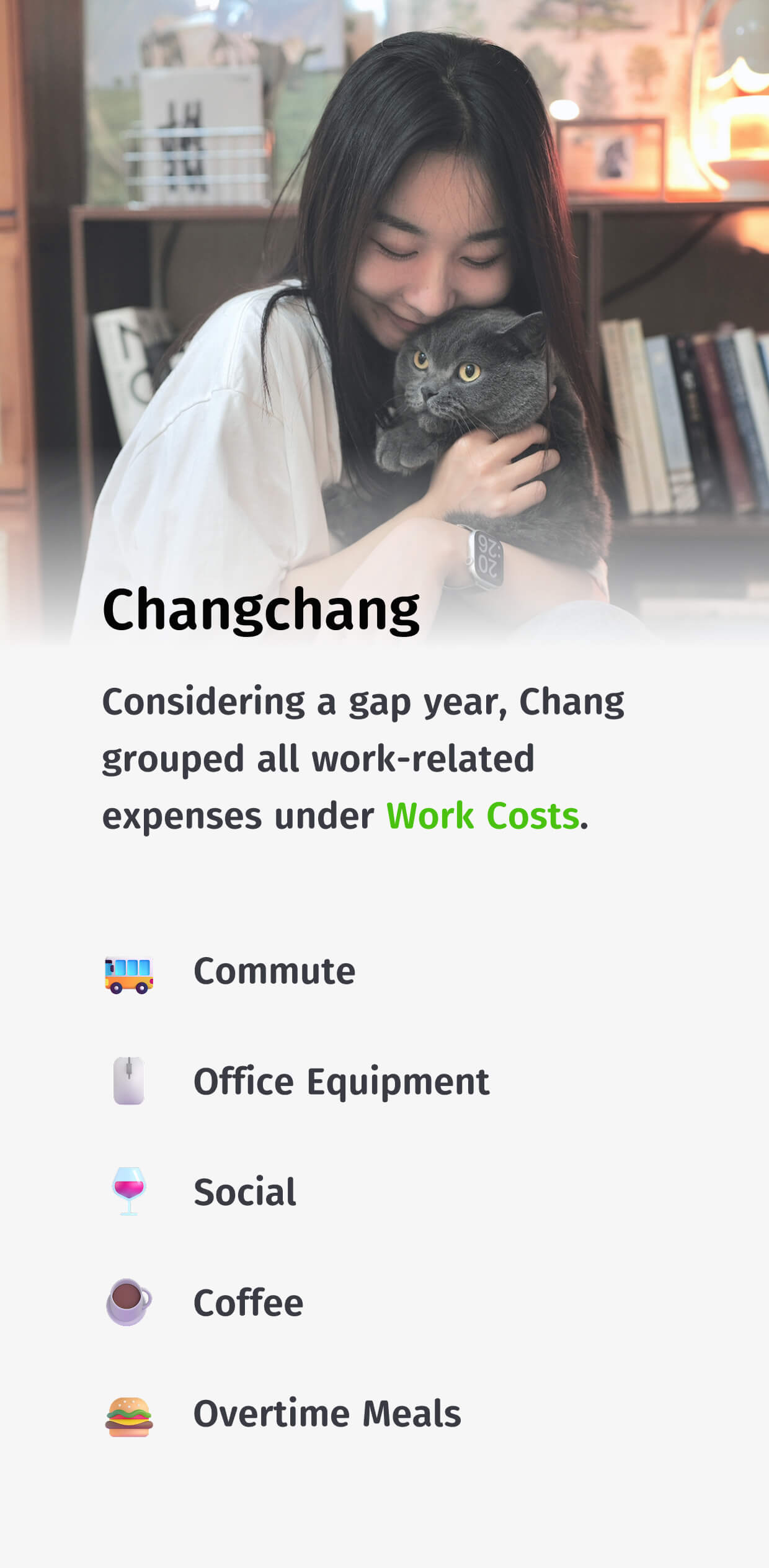
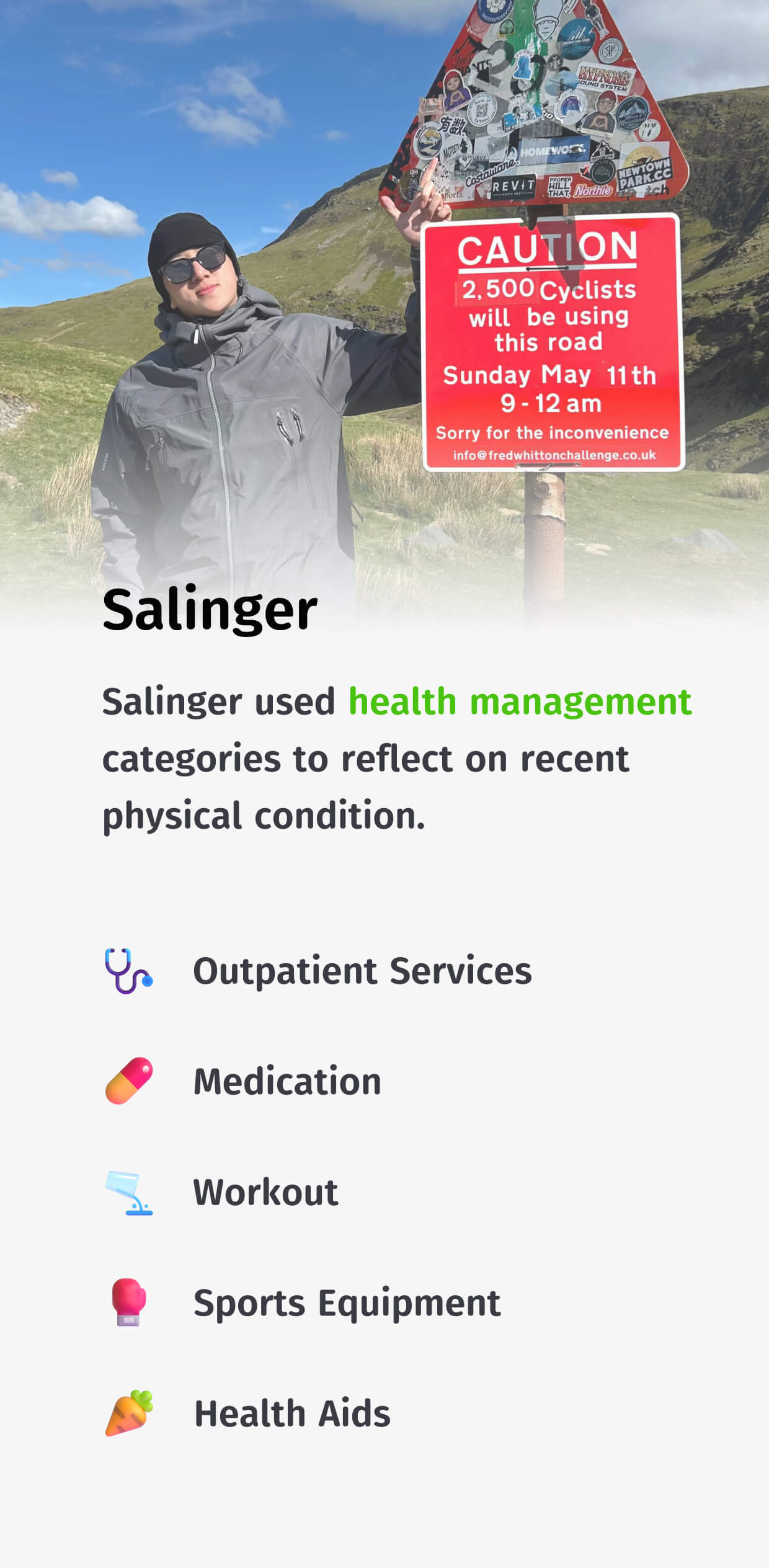
Over time, you will develop categories that are closely tied to your own life. These are often project-based categories that you track separately, such as trips, wedding planning, health, home renovation, pets, or kids.
As your life stage changes, your categories should change too. Here are some personalized categories created by HeyCost users after a period of use:
How to adjust categories
These features help you adjust categories quickly.
Move category: If a subcategory shifts in intent (for example, "Coffee" moves from occasional treats to a daily need), you can move it to a more appropriate parent category.
Migrate data: If you find a category too granular (for example, "Breakfast", "Lunch", and "Dinner"), you can migrate bills into a single category for a unified view.
Hide category: For project categories like "Wedding" or "Trip", you can archive them after the project ends. Hidden categories do not appear on the keyboard or widgets, but the data is preserved.